Piano Lessons From The Comfort Of Your Home
Learn how to play the piano with expert instructors through structured, fun, and easy lessons for children and adults. You can choose from a small group lessons or private lessons to improve your musical skills.
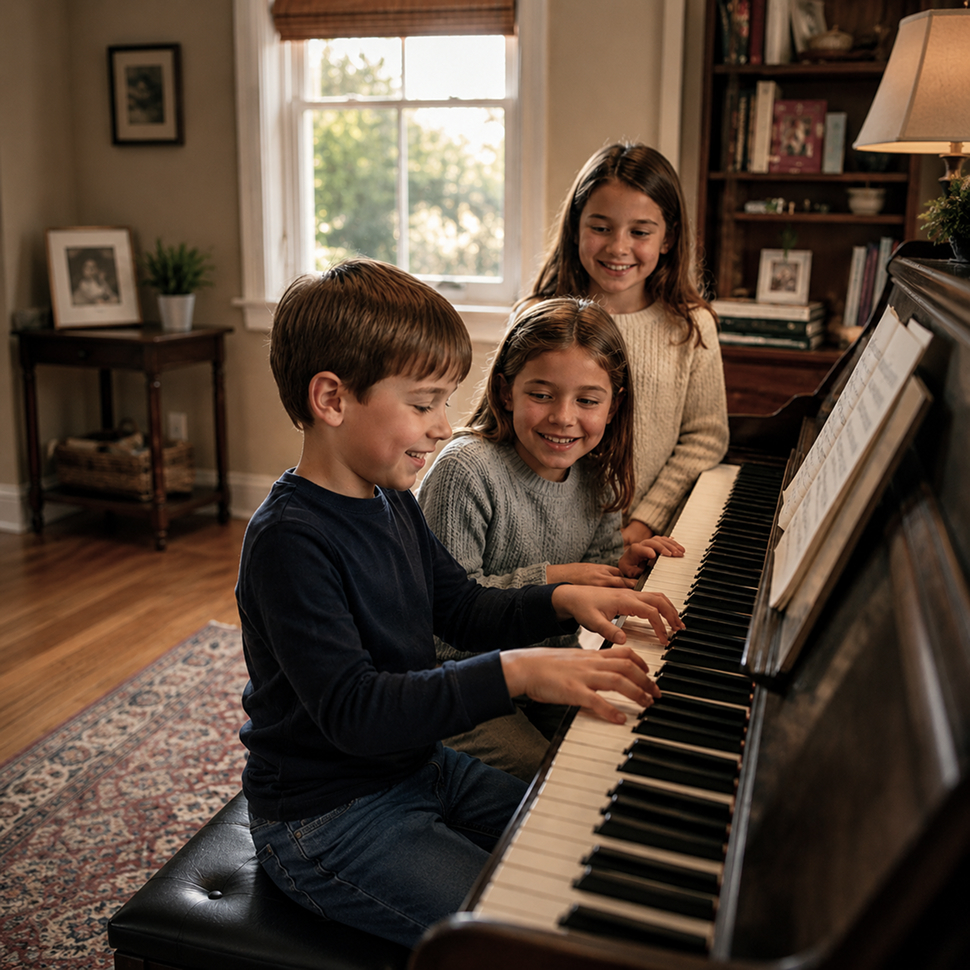
Professional Online Piano
Lessons for All Levels
Our piano lessons are designed to help students learn in a simple, fun, and structured way.
All classes are taught live and online by expert instructors and can be attended from the comfort of your home with an easy setup.
We offer small group and private lessons so every student can learn at their own pace and choice.
Some Facts About us
100
Live Online Lessons
200
Expert Teachers
226
Designed for Every Skill Level
Whats Trending
Popular Piano Lessons
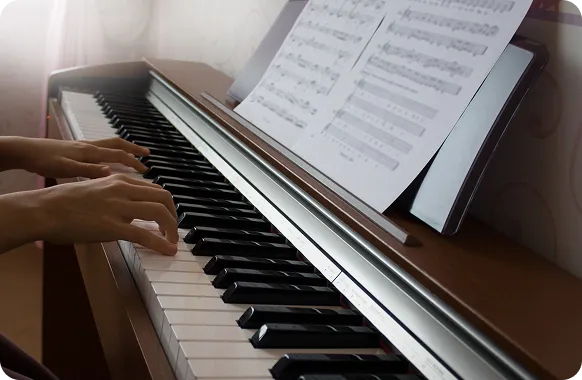
1 Hour Weekly Piano Lesson
$97 per month
Monthly subscription. You pay per month, not per lesson
One group lesson every week
Small Group Lessons
No driving needed. Lessons from the comfort of your home
Easy home setup
Expert and experienced instructors
Excellent for children and adults
Excellent and specializing in beginners
Excellent to develop cognitive and creative skills
Excellent to develop focus and motor skills
Musical instruments are not included
First Class Free
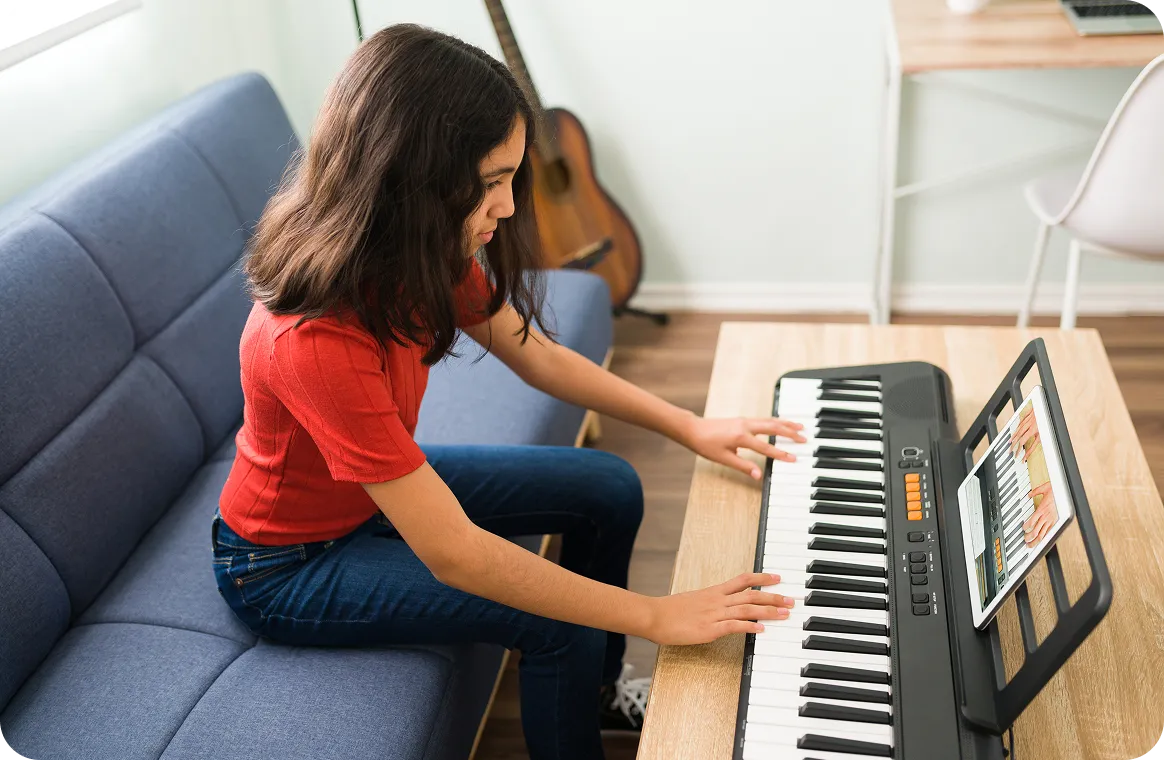
1 Hour Private Weekly Lessons
$67 per lesson
Monthly subscription. You pay per month ($268), not per lesson
One lesson every week
Private, one-to-one class
From the comfort of your home
Easy home setup
Expert and experienced instructors
Excellent and specializing in beginners
Excellent for children and adults
Excellent to develop musical skills
Different levels of instruction
Classical, Jazz, Pop styles
Musical instruments are not included
First Class Free
MUST HAVE BEFORE YOUR FIRST PIANO LESSON
Here are a few steps you will need to take before your first lesson.
Once the initial set-up is ready, you can keep the same set-up while practicing
and for every lesson you take in the future.
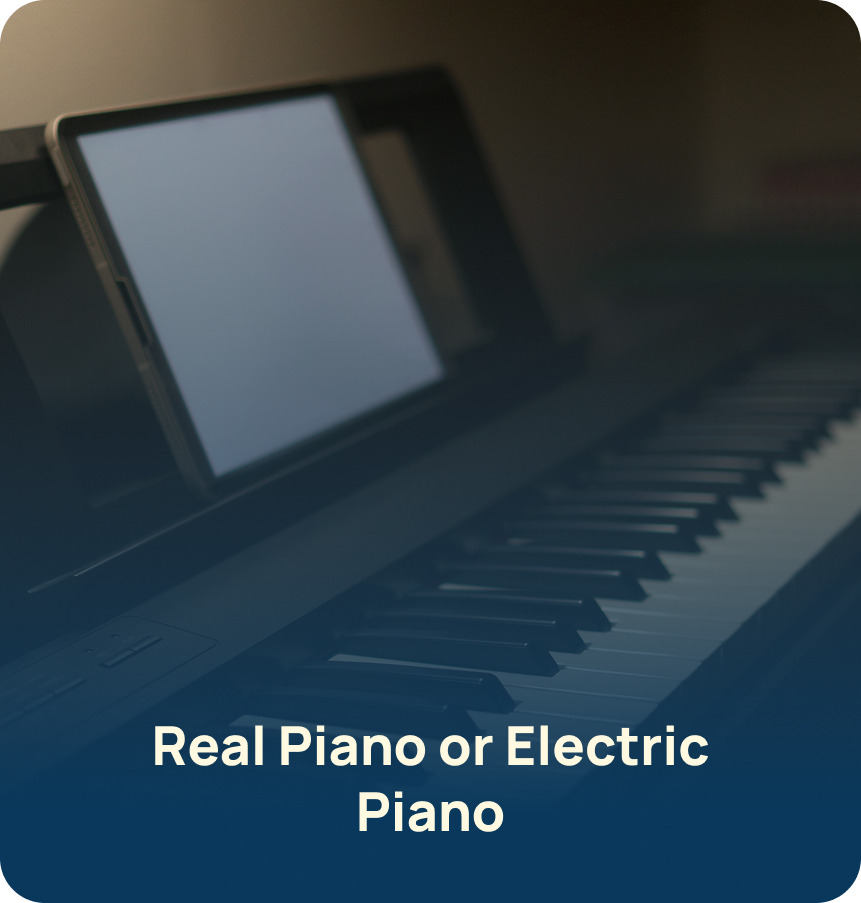

How to Set-Up your piano to be ready for a Lesson
Follow these the steps below to set up your piano, camera, and device to be ready for your lesson

Step 1: Use a Digital Piano or a Piano
It is preferred to take online piano lessons using a digital piano; however, you can still take your lesson with a regular piano.

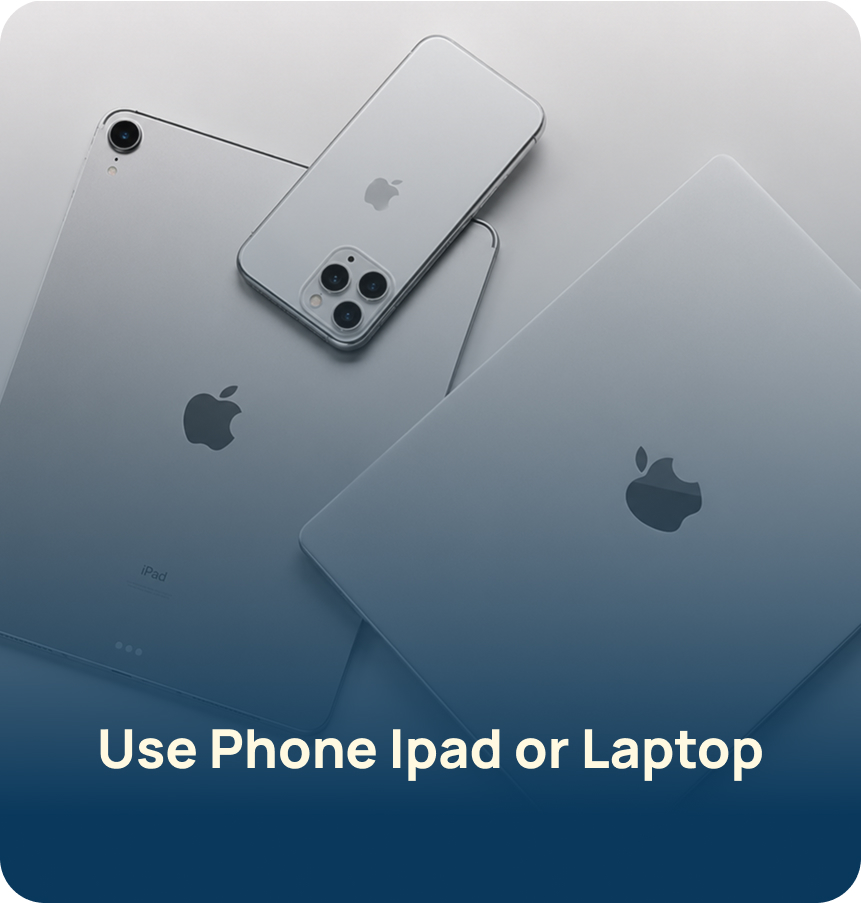
Step 2: Use Phone, iPad, or Laptop
Use any of these devices to connect with the teacher using Zoom. You can use a tripod or books to hold the device; we recommend you keep it in the same place and position for every lesson.
Step 3: Use High-Speed Internet
Make sure you have high speed internet and the connection is stable before every lesson.
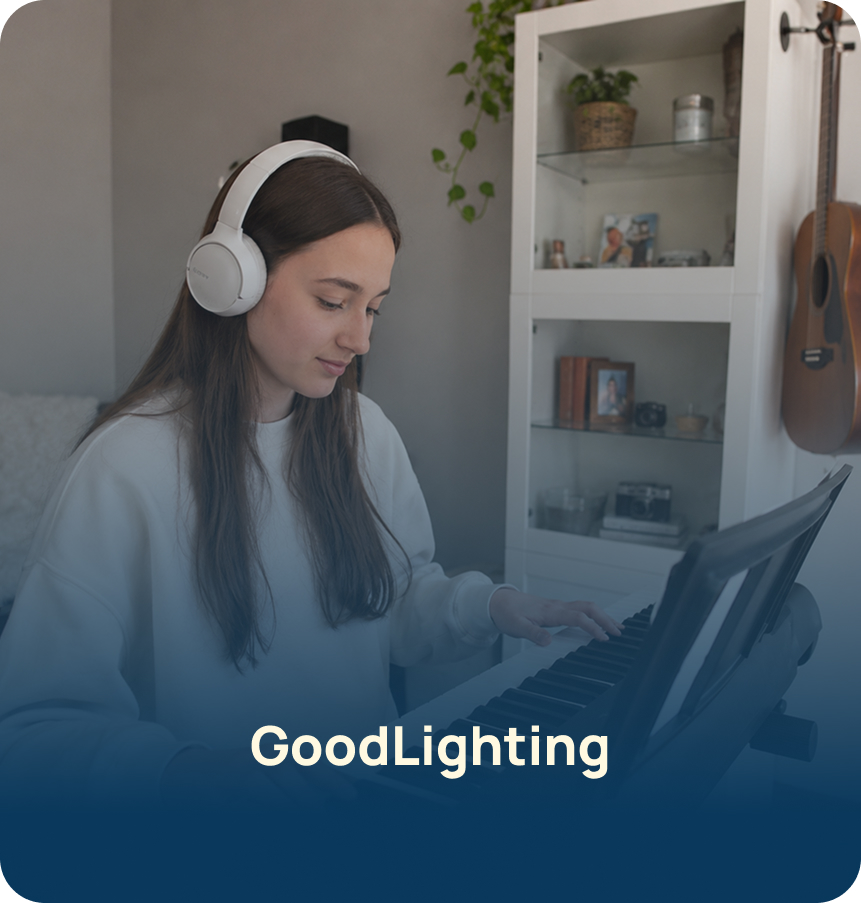
Step 4: Use Good Lighting
Your hands and keyboard must be clearly visible to the teacher through the zoom lesson.
Step 5: Position Your Device Correctly
Place your phone, iPad, or laptop in the correct position so the teacher can see your hands and the keyboard at all times.

Step 6: Adjust Zoom Settings
It is recommended that student enable "Original Sound for Musicians" button in Zoom's settings.
And That’s It!
This is an easy one-time setup, so you can take piano lessons from the comfort
of your home without changing your setup every week!
Watch How to Set Up Your Piano Lesson


Copyright © 2026 Subito Education.